Account Manager
Contents
Account Manager is a web tool that connects your back office to CoPilot. It provides a simple way for fleets of any size to purchase multiple CoPilot software licenses and install them on company devices or distribute them to drivers. It ensures all vehicles—or specific groups—run CoPilot with consistent, company-approved settings and location information. With Account Manager, you can:
-
Assign licenses to specific vehicles, devices, or drivers; transfer apps to new assets as your needs change; and track when your apps are installed and activated.
-
Remotely create and assign vehicle routing profiles, helping CoPilot generate safe and legal routes based on vehicle type. For example, truck profiles avoid low bridges, tight turns, and weight-restricted roads.
-
Assign custom location data created in ContentTools—including custom places, sites, and route modifiers—to specific vehicles or drivers. Places and sites guide drivers to the correct entry and exit points and provide valuable location details. Route modifiers shape CoPilot routes based on your preferences for roads to avoid, favor, or close.
-
Assign sets of maps to specific vehicles or drivers. CoPilot stores map data on the device for fast routing, recalculation, and offline use.
-
Assign CoPilot configurations, including safety alerts, warnings, and driver navigation preferences.
Account Manager has a web-based user interface where you create and assign these settings before they are sent to CoPilot on a driver’s device.
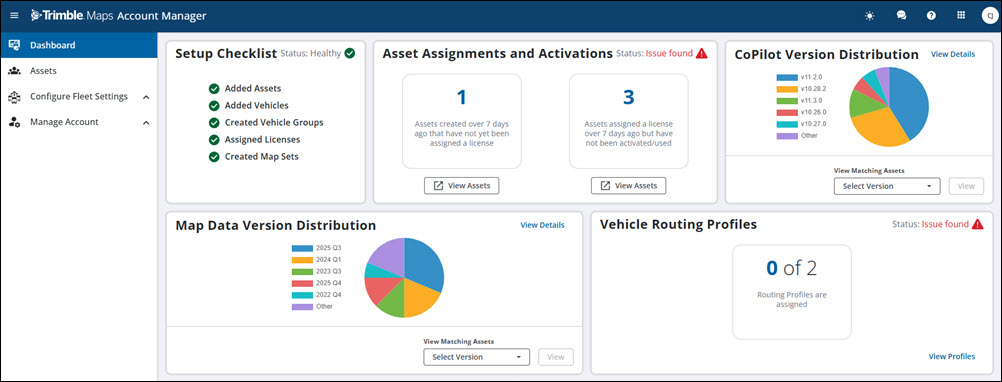
How Account Manager works
A fleet’s list of vehicles, drivers, or both can be entered manually in the web tool or imported automatically via:
- Account Manager APIs
- A partner application, such as a telematics or ELD system
Within Account Manager, a fleet administrator organizes vehicles or drivers into groups based on traits such as vehicle type, geographic area, business unit, or other criteria. The administrator then creates and assigns custom settings for each group.
Connection with CoPilot
Account Manager shares settings with CoPilot on mobile devices via wireless internet.
Account Manager features
Once set up, Account Manager allows you to:
Assign CoPilot licenses
Easily assign licenses for CoPilot Truck with ActiveTraffic to new assets. An “asset” can be:
- Equipment mounted in a vehicle
- A mobile device used by different people at different times
- A driver with a company-assigned or personal device
The asset type—vehicle, mobile device, or driver—is selected when you purchase CoPilot, or set automatically based on how assets are identified in your ELD solution.
Create groups of vehicles or drivers running CoPilot
Create single or multiple groups based on vehicle types, business units, locations, or other criteria.
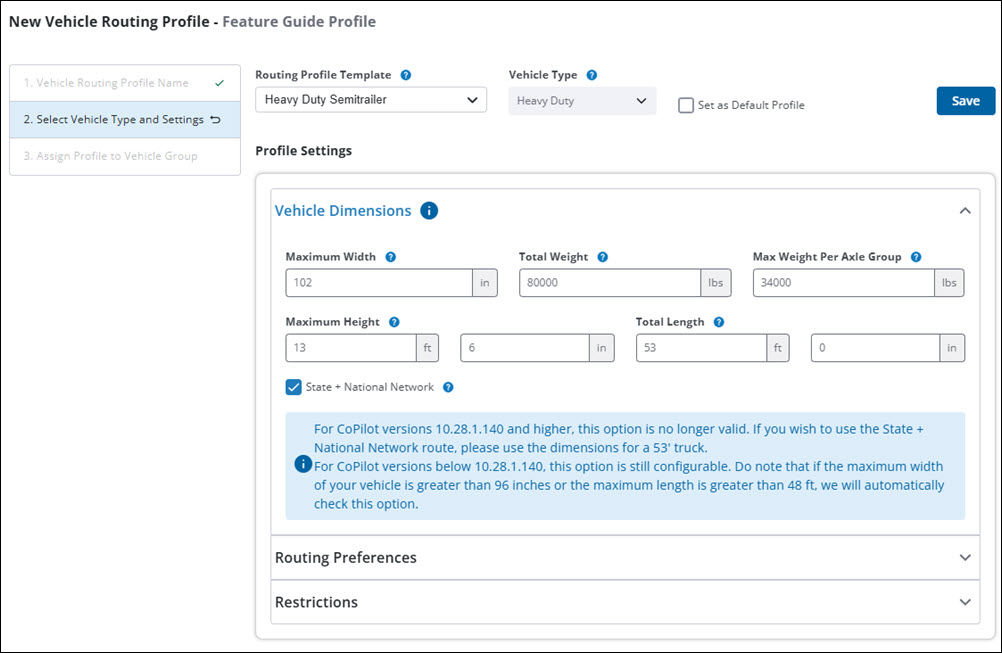
Create and assign vehicle routing profiles to vehicle or driver groups
A vehicle routing profile contains settings that tell CoPilot how to create efficient, safe, and legal routes for your vehicles. Settings include vehicle weight, dimensions, and preferences for using toll roads or ferries.
Create and assign configuration profiles to vehicle groups
Configuration profiles let you monitor driver compliance with routes (if licensed for RouteReporter), and limit changes drivers can make to CoPilot settings. For example, you can require drivers to use only company-approved routing profiles.
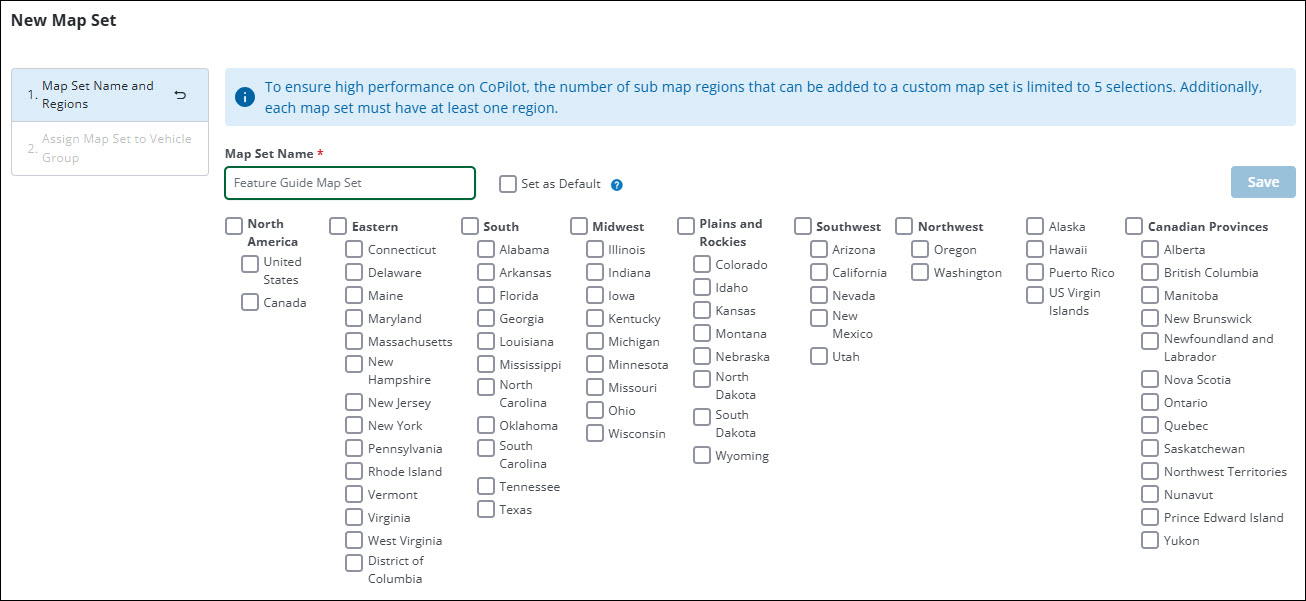
Create and assign mapsets to vehicle groups
Mapsets are subsets of map data for the U.S. and Canada. This feature helps save disk space on devices running CoPilot and reduces the time and data needed to download maps and updates.
Assign location content from ContentTools to vehicle groups
Content includes route modifiers (roads CoPilot should favor or avoid) and custom places. Content is created in ContentTools and assigned to vehicle groups in Account Manager.
CoPilot 10 routing to the correct entrance for a site created in ContentTools
Accessing Account Manager
Account Manager is available for CoPilot customers licensed for web tools. Read more in our Account Manager User Guide.
Share this article:
