Clickable Points
Display the longitude and latitude of the point the user taps on the map.
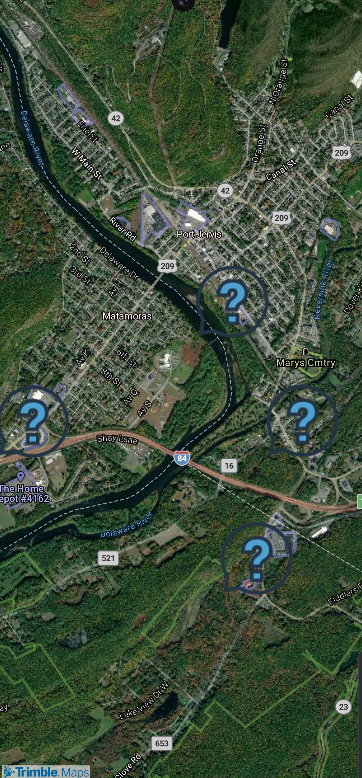
Sample code
import { useState } from "react";
import { Map, TrimbleMaps, type PressEvent } from "@trimblemaps/maps-react-native";

function ClickableMap() {
  const [press, setPress] = useState<PressEvent | null>(null);

  return (
    <Map
      mapStyle={TrimbleMaps.StyleURL.MobileDay}
      style={{ flex: 1 }}
      onPress={(event) => setPress(event.nativeEvent)}
    />
  );
}
Access coordinates with press.lngLat[0] (longitude) and press.lngLat[1] (latitude).